

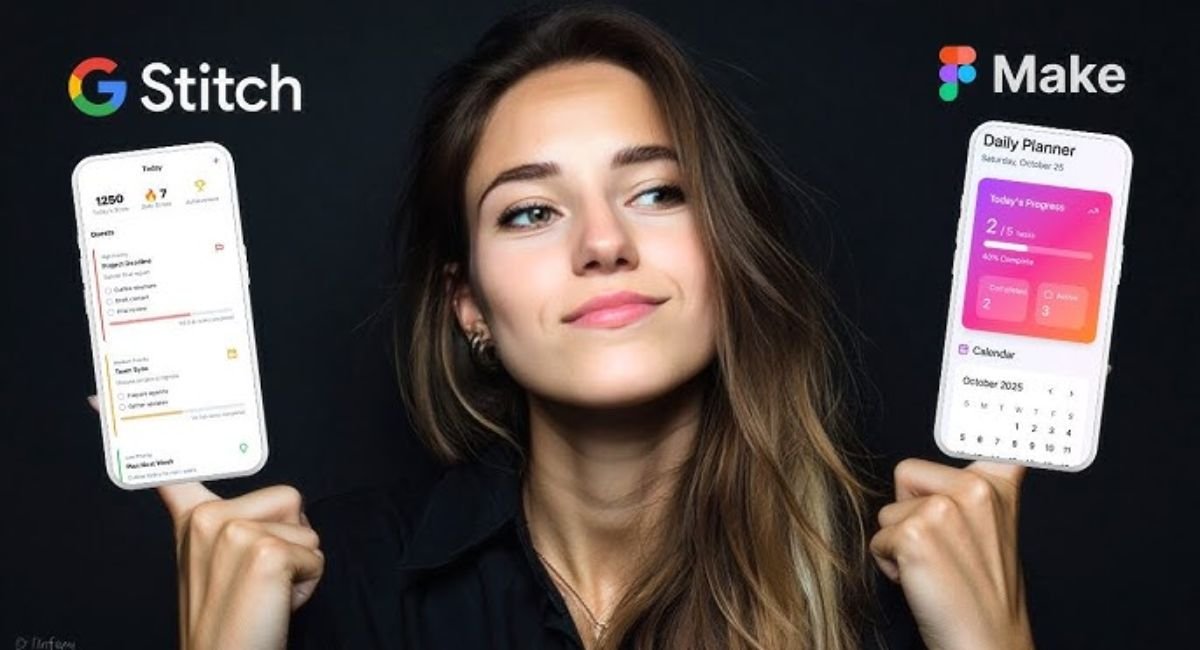
The design industry is moving faster than ever after the launch of Google Stitch 3.0. Designers, developers, and SaaS founders now debate whether AI can finally replace traditional UI/UX workflows. Unlike older tools, Stitch uses prompt-to-design AI technology to create interfaces, layouts, and frontend code within seconds. Meanwhile, Figma still dominates professional collaboration and advanced design systems. This growing battle between Figma vs Google Stitch is changing how teams build digital products in 2026.
Many companies now prefer AI-powered prototyping because it reduces production time and speeds up idea validation. As modern businesses demand smarter workflows, AI UI design tools are becoming essential for startups, agencies, and enterprise product teams worldwide.
What Is Google Stitch 3.0 and Why Is the Design Industry Panicking?
Google Stitch 3.0 is an advanced prompt-to-design AI system from Google Labs. You describe a product idea using plain English. Then the platform generates layouts, components, screens, and even frontend code automatically. This makes it one of the most talked-about AI product design tools in 2026. Unlike older design apps, this Gemini-powered design tool understands context, layout hierarchy, and user intent surprisingly well.
The panic started because Google Stitch features remove many repetitive tasks from the design process. Designers no longer spend hours creating wireframes manually. The platform acts like an AI wireframe generator, AI dashboard creator, and AI interface builder all at once. Startups now use it as an AI app builder because it speeds up MVP creation dramatically. Many experts even call it a powerful Figma alternative for early-stage product teams.
| Feature | Google Stitch 3.0 | Traditional Workflow |
| UI Creation | AI-generated instantly | Manual |
| Code Export | Built-in | Separate developer step |
| Wireframes | Automatic | Hand-designed |
| Speed | Minutes | Hours or days |
| Learning Curve | Beginner-friendly | Moderate |
Google Stitch 3.0 vs Figma — Full Feature Comparison for 2026
The biggest difference in Figma vs Google Stitch comes down to workflow philosophy. Figma gives complete creative control. However, Google Stitch 3.0 focuses heavily on automation and speed. Designers type prompts like “create a fintech dashboard with dark mode” and receive polished layouts instantly. This makes it one of the strongest AI-powered prototyping solutions available today.
Figma still wins when teams need deep collaboration, scalable design systems, and advanced customization. However, Stitch dominates rapid ideation. Many startups now use Stitch for concepts while using Figma for refinement. That hybrid workflow defines modern AI-enhanced design workflow strategies. Businesses searching for AI software comparison articles often notice Stitch excels in speed while Figma excels in precision.
| Capability | Google Stitch 3.0 | Figma |
| AI Prompt Design | Excellent | Limited |
| Team Collaboration | Moderate | Excellent |
| Design Systems | Growing | Industry-leading |
| Code Generation | Strong | Basic |
| Plugins | Limited | Massive ecosystem |
| Best For | Fast MVPs | Enterprise design |
Can Google Stitch Really Replace Figma Designers?
The short answer is no. However, it can replace repetitive work. Many tasks once handled manually now happen instantly through AI-generated UI systems. Designers use Stitch as an AI coding assistant for designers because it speeds up layout creation and frontend preparation. This shift changed how companies think about hiring and workflows.
Still, human creativity matters deeply. AI struggles with emotional storytelling, accessibility nuance, and strategic UX decisions. Professional designers understand user psychology better than machines. That is why discussions around Can AI replace UI designers often miss the bigger picture. AI removes tedious production work while humans focus on problem-solving and innovation. This balance represents the real future of AI in UX design.
“AI will not replace designers. Designers using AI will replace designers ignoring AI.”
Best AI Tools Competing With Figma Right Now
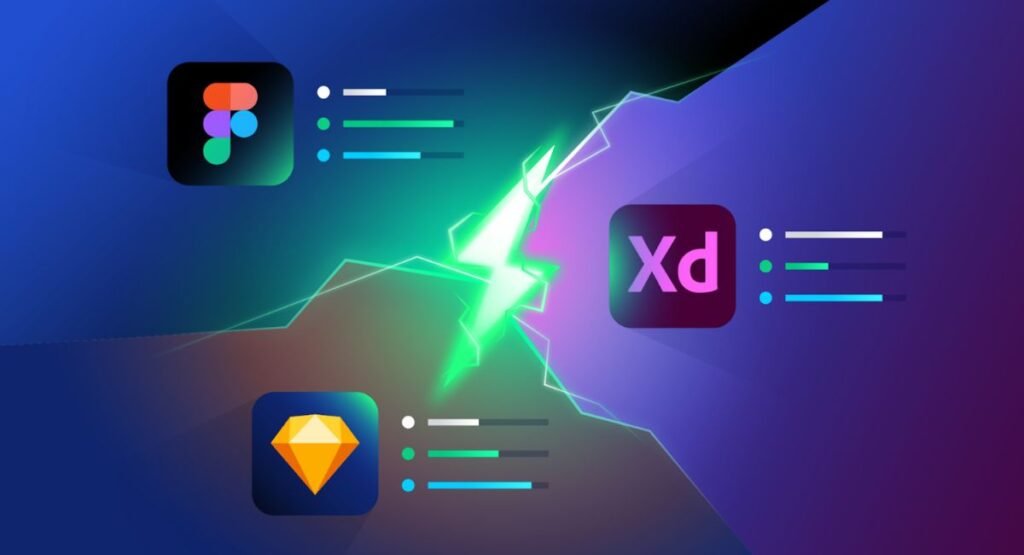
The market exploded with new AI tools for designers during 2026. Companies want smarter workflows and faster production cycles. As a result, many new platforms compete directly against Figma. These tools focus on automation, code generation, and intelligent prototyping.
Among the strongest competitors are Stitch, Framer AI, Galileo AI, Claude Design, and Relume. These platforms combine AI-generated app interfaces, responsive UI generator systems, and smart collaboration tools. Many founders searching for best AI UI design tools in 2026 now compare these platforms before investing in design workflows.
| AI Tool | Best Use Case | Strength |
| Google Stitch 3.0 | MVP creation | AI automation |
| Framer AI | Websites | Publishing |
| Galileo AI | UI concepts | Fast mockups |
| Claude Design | UX flows | AI reasoning |
| Relume | SaaS wireframes | Component systems |
The growing popularity of Google Stitch vs Framer AI and Google Stitch vs Claude Design comparisons proves the industry is rapidly changing.
Free vs Paid — Is Google Stitch 3.0 Actually Worth the Money?
One reason Stitch gained attention quickly is accessibility. The platform offers a beginner-friendly entry point compared with expensive enterprise design software. Many freelancers now treat it as one of the best free AI design tools because it dramatically reduces production time.
However, advanced features often require premium access. Businesses exploring Google Stitch pricing usually compare it with Figma subscriptions. Paid plans unlock advanced exports, better AI models, and larger project limits. Teams using Stitch daily often see strong ROI because automation reduces operational costs significantly. This makes Stitch attractive for AI tools for startups and agencies needing rapid delivery.
| Plan Type | Google Stitch | Figma |
| Free Plan | Available | Available |
| Team Collaboration | Limited | Advanced |
| AI Features | Extensive | Moderate |
| Code Export | Built-in | Partial |
| Enterprise Features | Expanding | Mature |
Latest Google Stitch 3.0 Updates That Changed UI Design in 2026
Recent updates pushed Stitch beyond simple mockup generation. The newest version introduced smarter AI-generated design systems, responsive layouts, and automatic component structures. This transformed Stitch into a full design-to-code platform instead of a simple experiment.
One major upgrade improved Auto Layout AI capabilities. Designers now create scalable interfaces without manually arranging every container. Another improvement strengthened AI frontend generator performance for React and Tailwind exports. These updates made Stitch increasingly useful for developers searching for AI tools for frontend developers and faster deployment workflows.
The platform also improved prompt engineering for UI design. Better prompts now create cleaner outputs with stronger visual hierarchy. This directly improved modern SaaS UI design quality across generated interfaces.
Real Use Cases — Who Should Use Google Stitch Instead of Figma?
Startup founders benefit enormously from Stitch. Many teams need validation quickly before hiring expensive designers. Stitch acts as an AI landing page builder, AI mobile app design system, and rapid prototyping engine simultaneously. Founders can test ideas within hours instead of weeks.
Freelancers and agencies also gain huge advantages. Designers now create multiple concepts rapidly using AI design prompts. This improves client presentations and creative exploration. Many companies use Stitch for brainstorming while finalizing projects inside Figma. This hybrid approach improves AI workflow optimization dramatically.
| User Type | Best Tool |
| Startup Founders | Google Stitch |
| Enterprise Teams | Figma |
| Freelancers | Hybrid workflow |
| Developers | Google Stitch |
| UX Researchers | Figma |
Google Stitch Pros & Cons Nobody Is Talking About
The biggest advantage of Stitch is speed. Designers no longer stare at blank canvases for hours. The platform accelerates ideation and reduces repetitive production work. This makes it one of the strongest productivity tools for designers currently available. Teams using Stitch often complete early-stage workflows much faster.
However, AI-generated interfaces sometimes feel generic. Without detailed prompts, layouts can appear repetitive or visually bland. This issue affects many AI web design software platforms today. Professional designers still refine outputs heavily before production launches. That is why experienced creatives remain valuable despite automation growth.
| Pros | Cons |
| Faster prototyping | Generic outputs |
| AI-generated code | Limited customization |
| Beginner-friendly | Smaller plugin ecosystem |
| Rapid MVP workflows | AI mistakes happen |
The Future of UI/UX Design — Will AI Replace Designers or Empower Them?
The design industry is shifting toward AI-assisted collaboration instead of full replacement. Modern workflows now combine automation with human creativity. This change created entirely new roles around AI-powered UX workflow, AI-assisted product development, and prompt strategy.
Designers who adapt early will likely dominate future markets. Understanding prompts, systems thinking, and UX psychology will become critical skills. Many experts already call prompt writing the next evolution of interface design. This explains why AI design trends 2026 focus heavily on human-AI collaboration rather than replacement.
The rise of AI workflow tools for teams, AI collaboration tools, and enterprise AI design workflows also shows businesses want faster production without sacrificing quality. Many companies are also investing in reusable memory systems for AI chatbots to create smarter AI-assisted workflows across products and customer experiences.
Final Verdict — Should You Switch From Figma to Google Stitch 3.0?
If you need fast ideas, startup validation, or quick MVPs, Stitch delivers incredible value. It excels as an AI mockup generator, AI SaaS design tool, and smart automation engine. Teams focused on speed and experimentation will benefit immediately.
However, Figma still dominates large-scale professional workflows. Enterprise collaboration, advanced systems, and production precision remain stronger inside Figma. The smartest strategy today is not choosing one tool exclusively. Instead, combine both. Use Stitch for exploration and Figma for refinement. That hybrid workflow represents the next generation of AI tools changing web design and the broader modern AI design stack.
In the end, the real winner is not AI alone. The real winner is the designer who learns how to use AI better than everyone else.
FAQs
Is AI killing UI/UX?
No, AI is not killing UI/UX design. Instead, AI is changing how designers work. Modern AI UI design tools now automate repetitive tasks like wireframing, prototyping, and layout generation. However, human creativity, emotional design thinking, accessibility planning, and user psychology still require experienced designers. AI helps designers move faster rather than replacing them completely.
Are designers leaving Figma?
Some designers are exploring newer AI UX design software like Google Stitch, Framer AI, and Galileo AI. However, most professional teams still use Figma for collaboration, design systems, and production workflows. Many companies now combine AI tools with Figma instead of abandoning it entirely. This hybrid workflow is becoming very common in 2026.
Who is Figma’s biggest competitor?
Right now, Google Stitch 3.0 is one of Figma’s fastest-growing competitors because of its advanced AI automation and prompt-based design generation. Other strong competitors include Framer AI, Adobe XD, Uizard, Galileo AI, and Claude Design. These platforms focus heavily on AI-powered prototyping, faster UI generation, and smarter design workflows.
Is Figma enough for UI/UX design?
Yes, Figma is still powerful enough for complete UI/UX design projects. It offers collaboration tools, prototyping, developer handoff, and scalable design systems. However, many teams now add AI tools beside Figma to improve speed and automation. That combination creates a stronger and more efficient design workflow.
Why is Figma falling?
Figma is not exactly falling, but the market is shifting quickly toward AI-driven workflows. Tools like Stitch reduce manual work and generate layouts much faster. Some startups now prefer automation-focused platforms because they save time and money. Still, Figma remains a leading platform for enterprise collaboration and advanced product design.

Welcome to Corexity! I’m Zain Bhatti, an AI-Powered SEO Strategist with 3 years of experience. I help you master the latest AI tools and rank higher with simplified, high-impact content strategies. Let’s grow together!